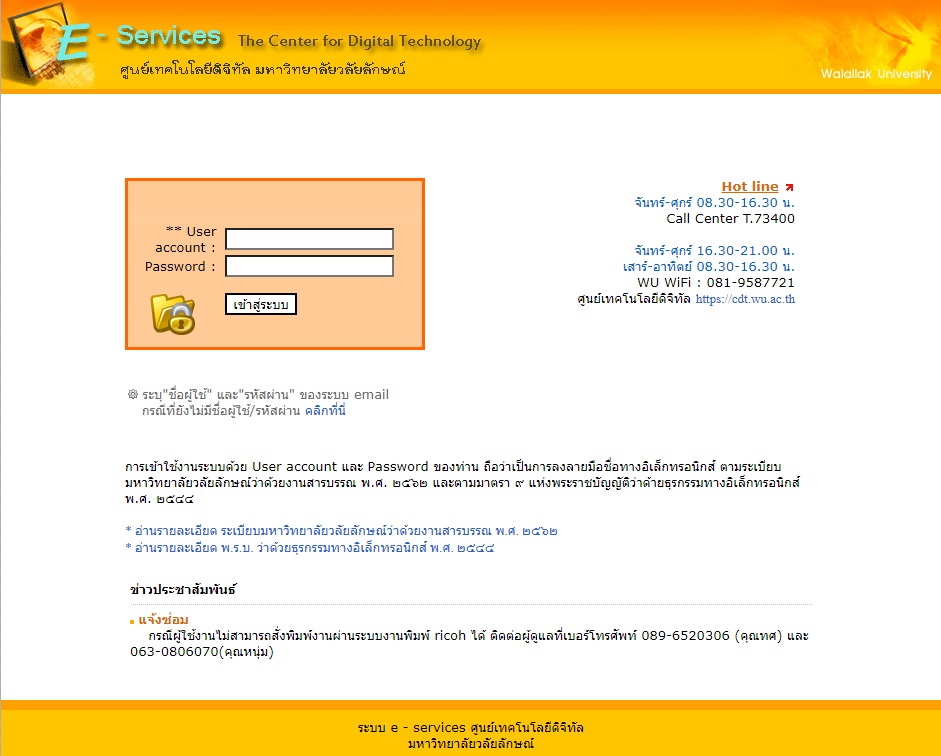
Walailak University’s e-Mail system It is an electronic mail service provided to personnel under the domain name @wu.ac.th. There is a mail box with a usable space of 5 GB.
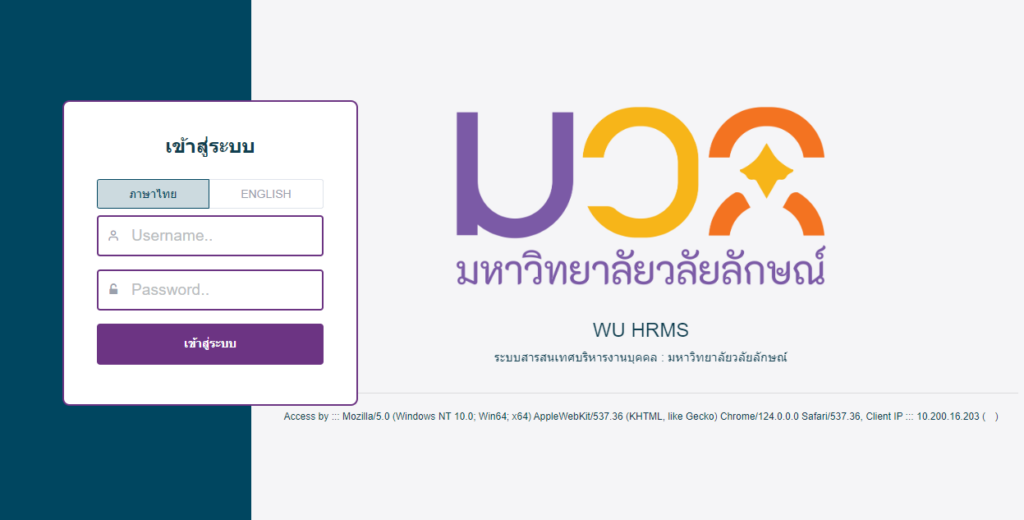
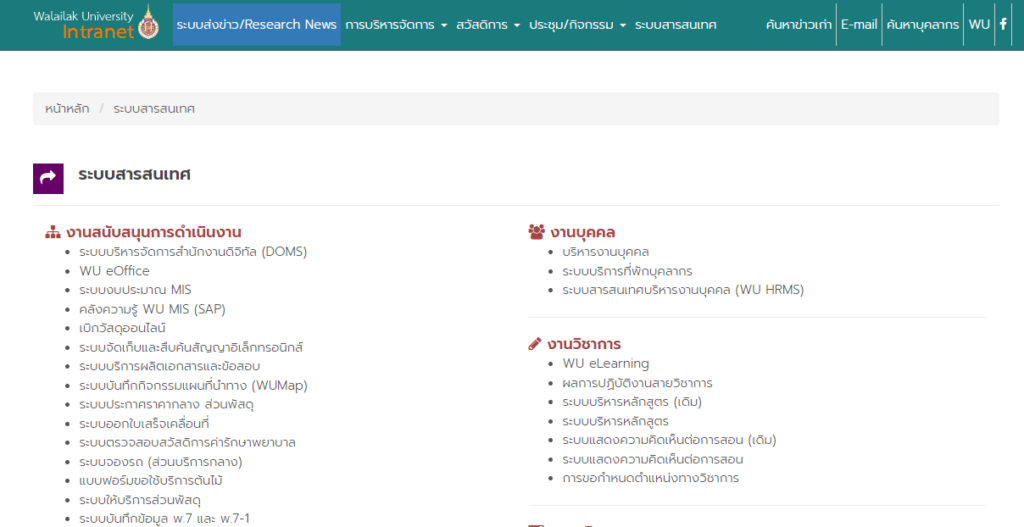
Walailak University Human Resource Management Information System provides services related to – Organizational structure management – Personnel records – Staffing requests – Employment and appointments – Work time recording and leave – Salaries – Welfare and benefits – Procurement – Performance evaluation – Career advancement
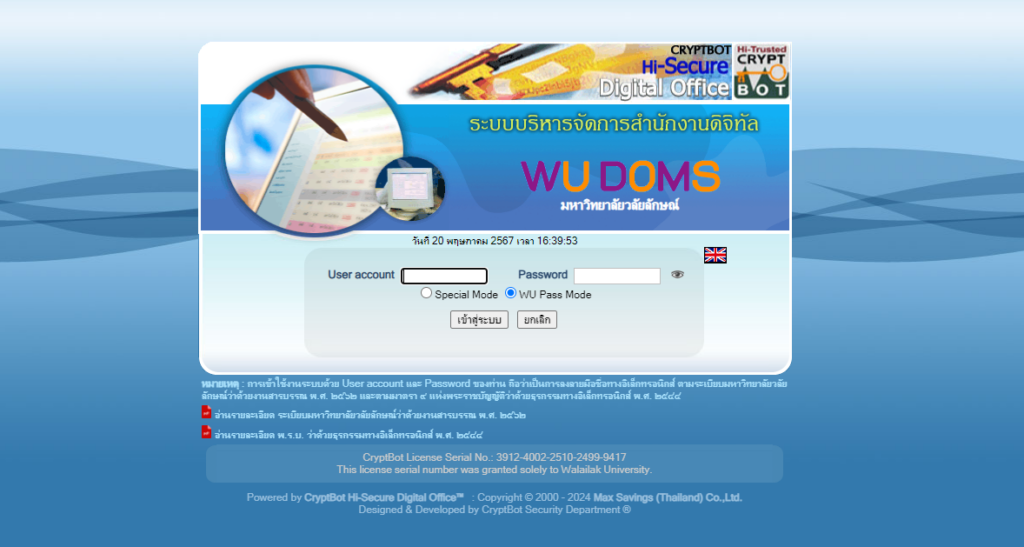
Digital Office Management System Walailak University It is a work system for performing clerical work through electronic communication systems. Use with Smart Phone devices (iOS/Android), Tablet/Notebook devices including – Electronic correspondence system – System for creating-sending-signing books electronics – Electronic document storage and search system
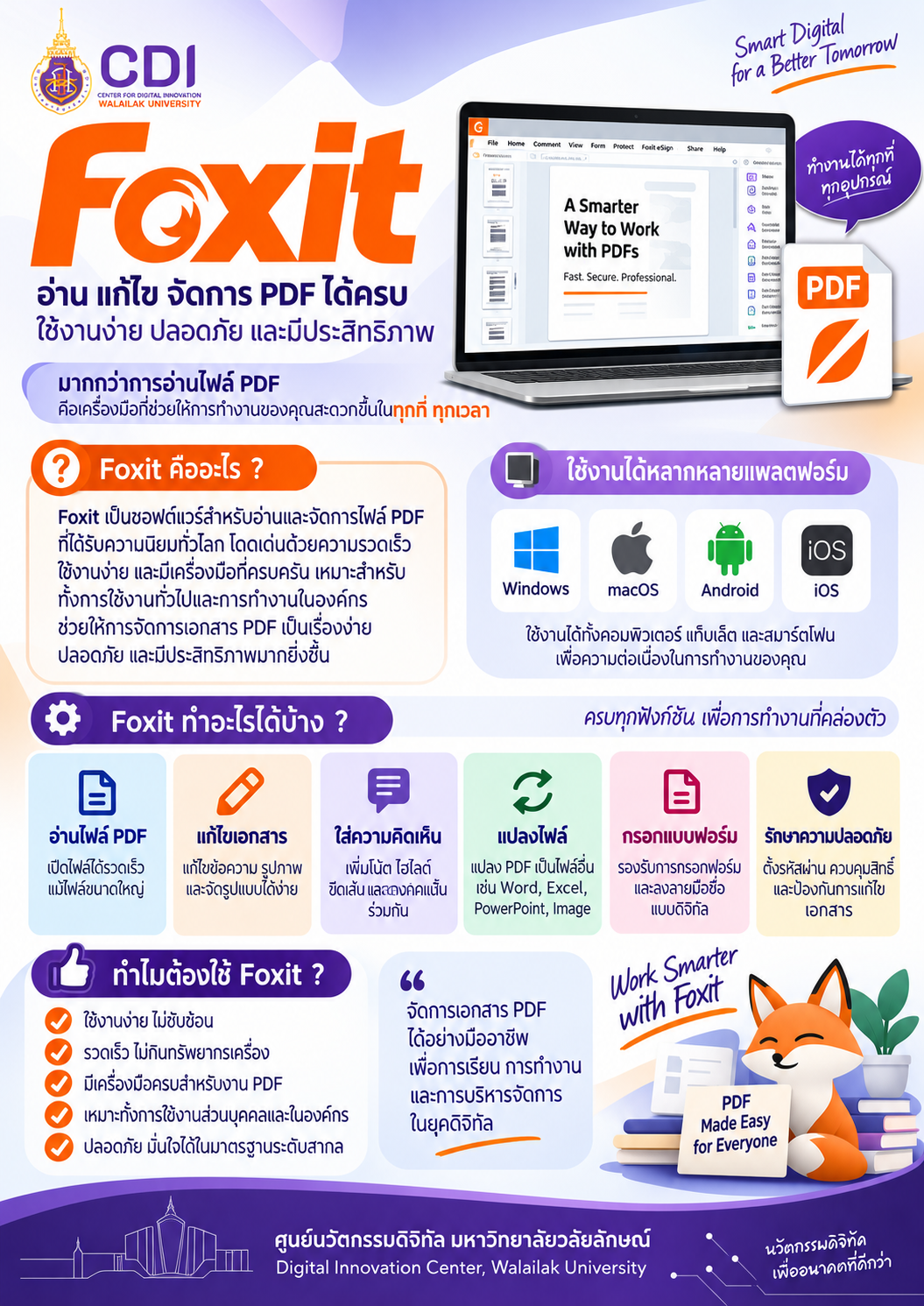
Foxit PDF Editor is an all-in-one PDF management program that allows users to create, edit, and electronically sign PDF documents within a single application, without the need to convert files beforehand. It makes document management easier, faster, and more convenient. Foxit PDF Editor supports Windows, macOS, iOS, and Android, along with cloud-based features that enable seamless integration with various online services.
What Can Foxit PDF Editor Do?
Edit and Manage PDF Files Easily edit, organize, annotate, and manage PDF documents.
Convert PDF Files Convert PDF files into various formats and convert other file types into PDF.
Electronic Signatures (eSign) Add electronic signatures and sign documents digitally without printing or scanning.
Cloud Collaboration Work with documents and collaborate with others through cloud-based services.
Merge and Split PDF Files Combine multiple PDF files into one document or split a PDF into separate files.
Document Scanning (OCR) Scan documents and use Optical Character Recognition (OCR) to extract and recognize text from scanned files.
AI Assistant Use AI-powered features to help summarize, analyze, and work with PDF documents more efficiently.